 TECHNOLOGY WITHOUT COMPROMISE
Technology accessories
Share the accessories you need for your existing devices, including model numbers and how the equipment will be used.
TECHNOLOGY ACCESSORIES & SUPPLIES
Technology accessories and workplace requirements, considered around the devices your team uses and the work it needs to do.
A division of Pro Business Solutions
Talk to us about Pro Supplies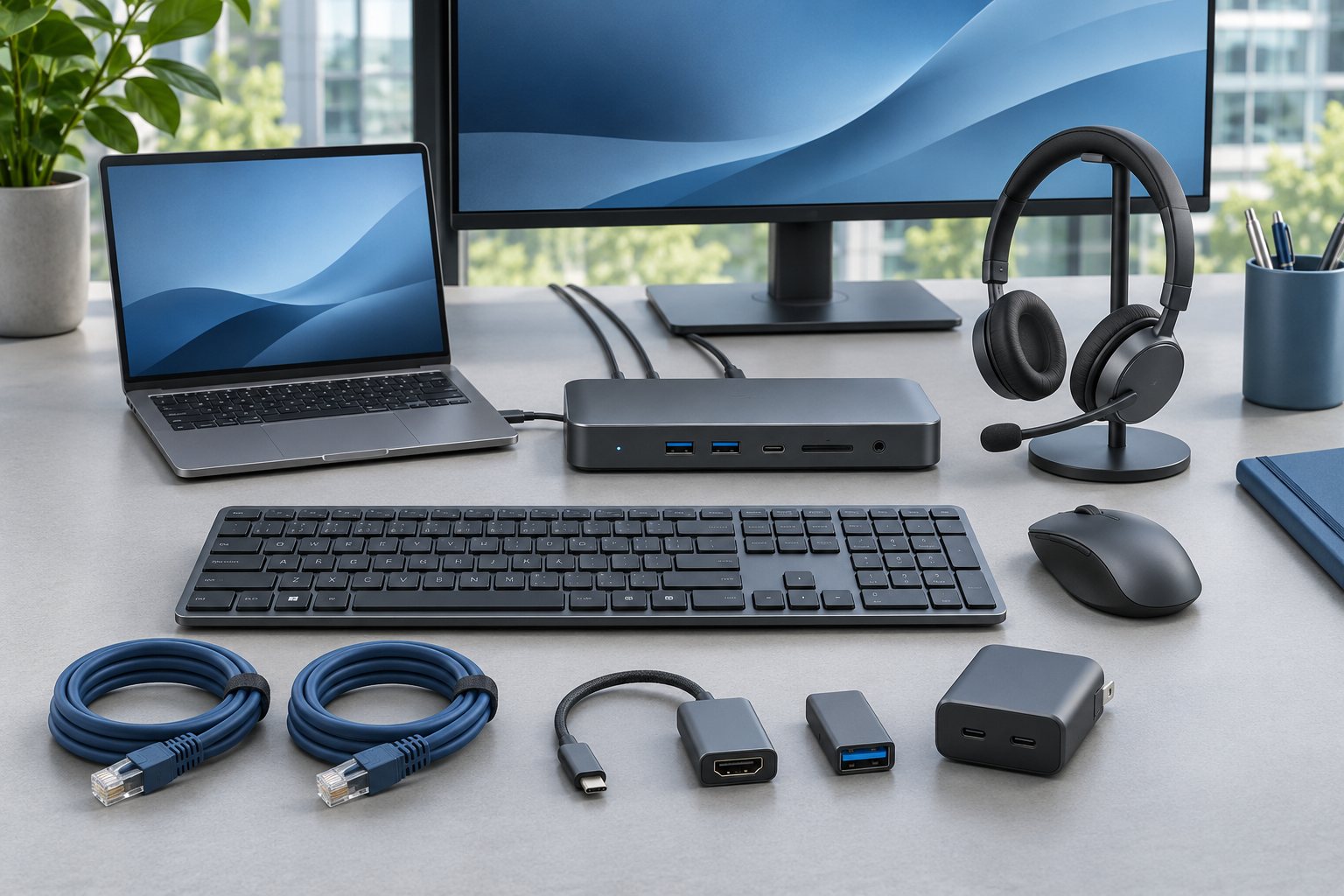
BUILT AROUND YOUR WORKPLACE
A missing connection, an unsuitable adapter or an incomplete workstation can interrupt an otherwise productive day. Pro Supplies gives you a place to start a clearer conversation about the technology accessories your business needs.
Tell us what your people are trying to do, which devices they already use and what needs to change. Whether your enquiry concerns one replacement item or several workstations, a clear requirements list helps the team review compatibility and discuss appropriate options. Product selection, availability and quotation details are confirmed for your enquiry.
A SPECIALIST PART OF THE PRO FAMILY
Keep everyday technology requirements organised with Pro Supplies. From an individual accessory enquiry to a broader workplace requirement, start with the equipment your team uses and the tasks it needs to perform. Clear specifications help the team discuss suitable options, compatibility, quantities and availability before preparing your next step.
Share the accessories you need for your existing devices, including model numbers and how the equipment will be used.
Discuss requirements around workstations, shared equipment and the tools your people rely on each day.
Provide the make, model, connection type or part number so the enquiry can focus on appropriate options.
Organise quantities by team or location and identify any differences between offices before requesting options.
Describe what needs replacing, the limitations of the current setup and any essential technical specifications.
Request product information and a quotation. The team will confirm availability, pricing and fulfilment arrangements for your enquiry.
THE WAY YOU WORK
Describe the laptop or computer, monitors and accessories that need to work together. Include the connections available and any requirements for desk-based or hybrid working. This gives the team useful context when discussing docking, display and peripheral needs.
If your enquiry concerns headsets or related accessories, explain the calling applications and devices in use. Share how people work, the number of users and whether the equipment will be used at individual desks, in shared spaces or across locations.
For cables, adapters or connectivity accessories, provide the connection types at both ends, the intended use and any relevant length or power requirements. A photograph of the existing connector or product label can help explain your enquiry.
A CLEARER STARTING POINT
A consistent requirements list can make a larger enquiry easier to review. Group items by workstation, department or site, and identify which accessories are shared and which are needed per user. Separate essential requirements from preferred extras so the team can understand your priorities.
If some equipment must work with an existing standard, include the make, model and specifications. Where a requested item is unavailable, the team can discuss whether alternatives should be considered before a selection is agreed.
Discuss your supply requirements →A PRACTICAL WAY FORWARD
Start with your requirements and explore the options with the right team.
Prepare product descriptions, device models, quantities and the locations involved.
Discuss compatibility, availability and any alternatives with the team.
Review the quotation, agreed products and fulfilment arrangements before proceeding.
BEFORE YOU GET STARTED
Prepare a clearer enquiry for Pro Supplies.
A photograph of the existing item, connector or model label can help explain what you need. Include the device model and intended use as well. The team may request further information before confirming an option.
Split your list into groups and record the device models for each. This helps keep compatibility requirements clear rather than assuming one accessory will suit every workstation.
Yes. Mark the items that matter most and explain your timing. The team can then discuss availability and possible next steps for the enquiry.
Review the product specifications, quantities, compatibility assumptions, pricing and agreed fulfilment arrangements. Ask the team to clarify anything that differs from your requirements.
YOUR NEXT STEP
Share your workplace requirements with Pro Supplies and start a conversation around the equipment your people use every day.